 29 June 2026
 Share
Share
1
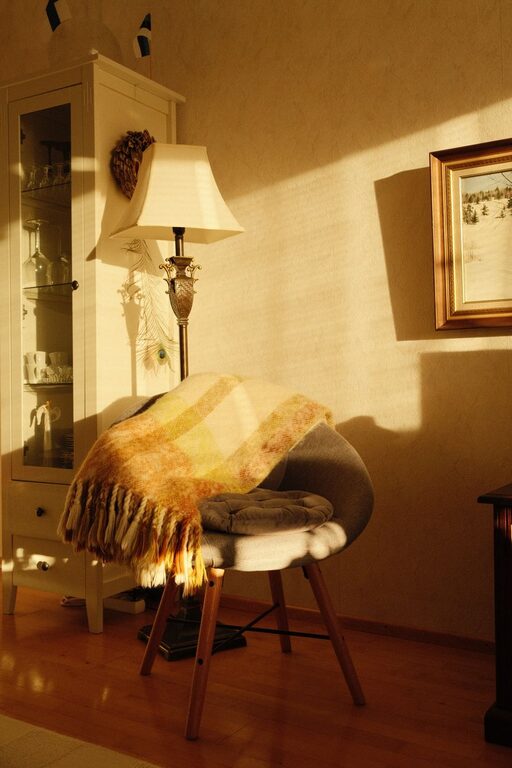

Creating a productive home office environment can make a significant difference in how efficiently and comfortably you work each day. With more people working remotely or setting up home offices, having a space that supports focus and creativity is essential. This guide offers practical tips to help you design and maintain an effective workspace right at home.
Selecting a spot in your home that’s quiet and separated from daily distractions can help you concentrate better. Ideally, this space should be reserved exclusively for work to create a clear boundary between personal and professional life.
Natural light boosts mood and energy levels. Position your desk near a window if possible, but avoid glare on your screen. Adding sheer curtains can help diffuse strong sunlight.
Long hours at your desk require a chair that supports your back and promotes good posture. Adjustable chairs and desks can reduce discomfort and prevent strain.
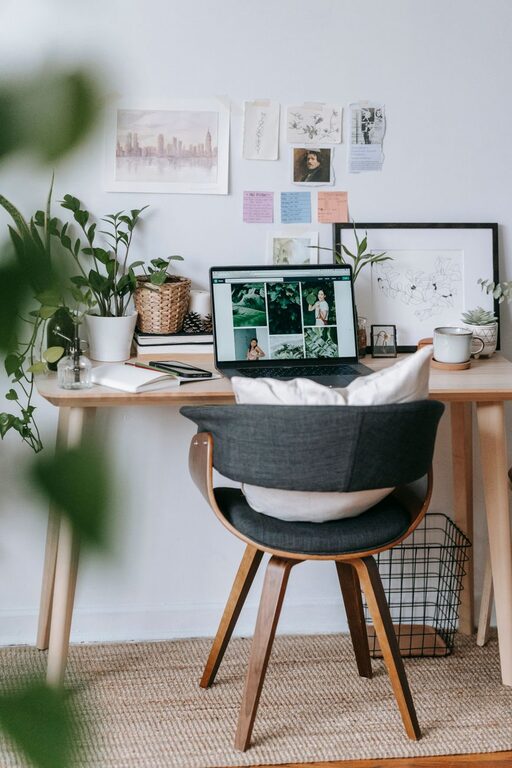
Choose a desk with enough surface area for your computer, documents, and other tools. Keep frequently used items within arm’s reach to minimize distractions.
A tidy desk reduces stress and helps you focus. Limit what’s on your workspace to essentials only. Use drawers or storage bins to keep other items out of sight.
Desk organizers, file holders, and shelves can keep paperwork and supplies neat. Labeling containers makes it easier to find what you need quickly.
A strong, stable internet connection is a must for most remote work. Consider upgrading your router or using a wired connection if Wi-Fi is inconsistent.
Position your monitor at eye level about an arm’s length away to reduce neck and eye strain. Dual monitors can increase productivity for certain tasks.
Use noise-canceling headphones or white noise machines if you’re easily interrupted by household sounds. Mute notifications on your devices when possible.
Establish a consistent schedule to build a routine, improving discipline and work-life balance. Start and end your day at the same time each day.
Inform family or housemates about your work hours and need for quiet, especially during meetings or focused tasks.
Adding plants can improve air quality and add a calming touch to your workspace. Choose simple decorations that make the area inviting without cluttering it.
In addition to natural light, add task lighting such as a desk lamp for well-lit work without straining your eyes. Opt for soft, warm bulbs for comfort.
Regular breaks help prevent burnout. Use techniques like the Pomodoro Technique (25 minutes work, 5 minutes break) to maintain focus and recharge.
Incorporate stretching or short walks throughout your day to reduce physical tension and improve circulation.
Periodically review how your home office functions. Are there bottlenecks or discomforts? Small adjustments can lead to better productivity and comfort.
Technology and work styles evolve. Be willing to try new tools or rearrange your space if it helps you work more effectively.
—
Creating a productive home office environment combines thoughtful design, organization, technology, and healthy habits. By making your workspace comfortable and conducive to focus, you set yourself up for success every workday. Whether you’re new to remote work or looking to improve your current setup, these tips can help transform your home office into a space you enjoy and thrive in.